Take out what doesn’t belong in your photo.
Brush over a stray person, a power line or a watermark. The eraser fills the gap with matching background in seconds.
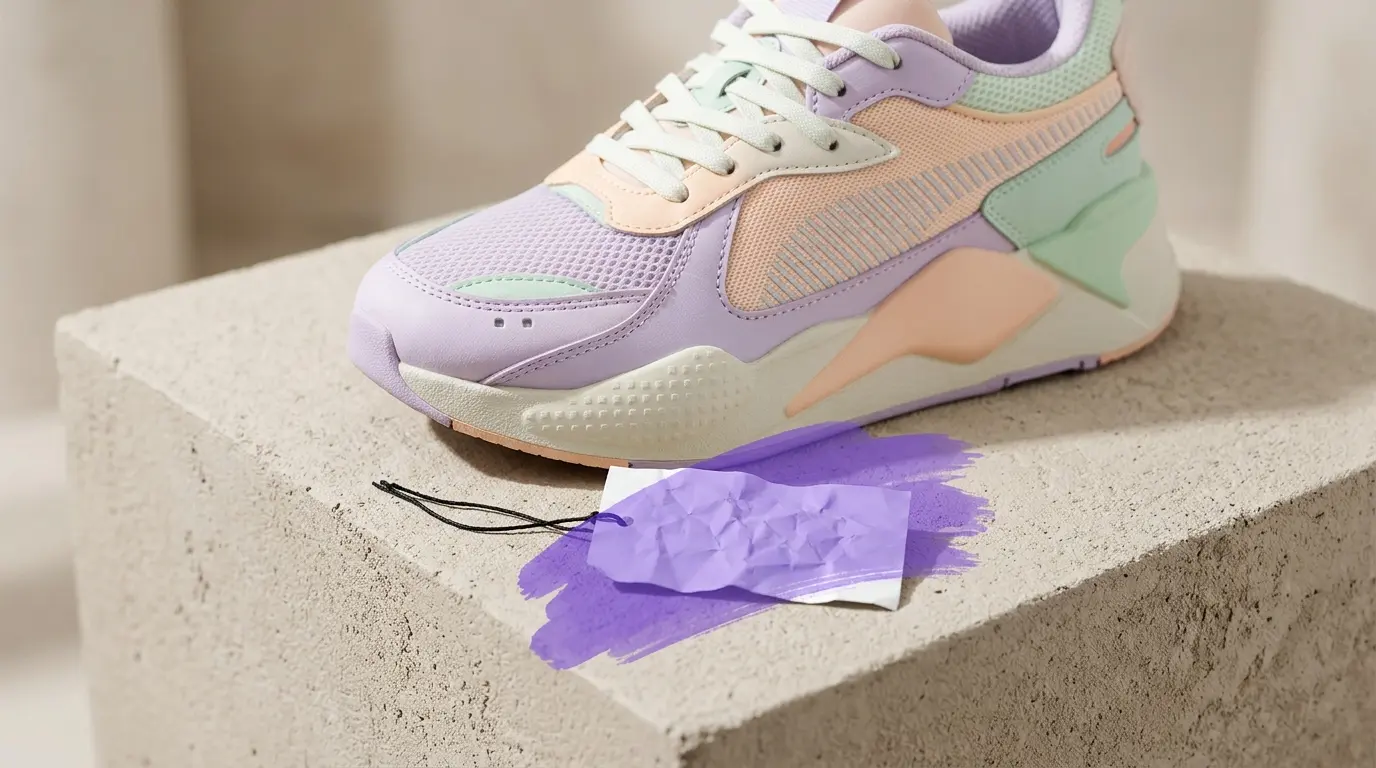


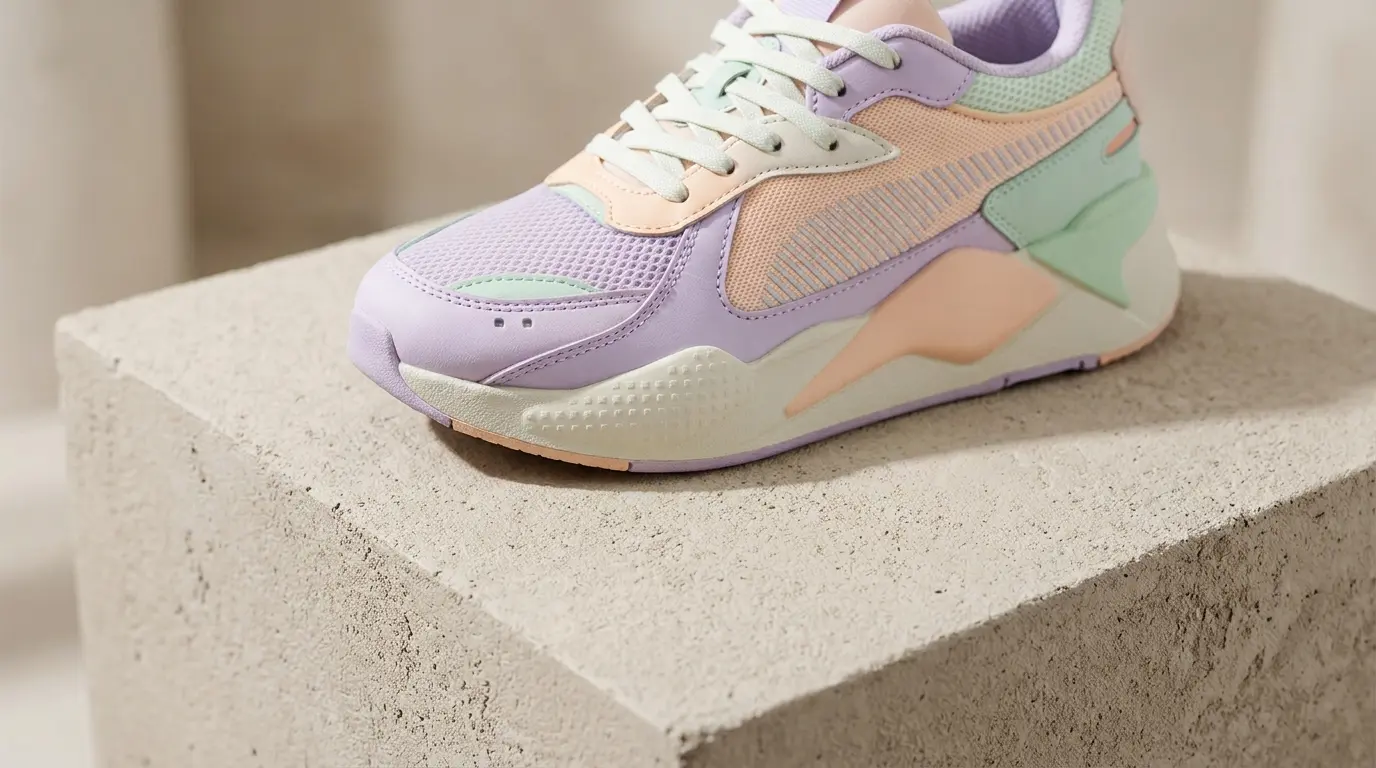 Erased
Original
Drag & drop your image here
Supports high-resolution PNG, JPG, JPEG, and WEBP. Add one or many at once.
Files processed with this tool
Key Features
Made for everyday photos — from cluttered to clean in three simple steps.
Travel and family shots
Clear passers-by from a landmark or a stranger from a birthday photo. Just add your photo, brush the unwanted part and release to erase.
Product listings
Remove dust, price tags and background clutter before you post, then download the clean result as PNG, JPG or WebP.
Your own designs
Clean a logo or date stamp you added to your own artwork. Undo anything and step back as far as you need.
Real estate and rentals
Take cords, bins and signs out of room and exterior photos in seconds without switching tools.
Runs in your browser
Your photo stays on your device. Drop a file or pick one from your device with no account needed.
Full resolution
Download at the exact size you uploaded — crisp, clean and ready to share anywhere.
Two jobs, one brush.
Remove a whole object or a repeating watermark without switching tools.
Object eraser
Paint over a photobomber, a trash can or a cable. The tool rebuilds the textures behind it, from grass to brick to sky.
Text & stamp cleanup
Clear old camera date stamps, price tags or stray labels from your own photos in a single pass.
Precise brush
Change size, softness and zoom so you can follow a thin edge like a railing.
Compare before you save
Slide between the original and the result. If a spot looks off, undo that stroke and try a smaller brush.
Frequently asked questions
Everything you need to know about object and watermark removal, supported formats, saving your result, and how your images are handled.
No. Editing happens in your browser, so the file stays on your device.
JPG, PNG and WebP. Transparent PNGs keep their transparency.
Simple backgrounds like sky, walls and grass work best. For busy areas, erase in several small strokes rather than one big one.
Yes. Use two fingers to zoom and one to brush.
Very large photos are processed in your browser’s memory, so extremely large files may be slower on older devices.
Ratings & reviews
Feedback from creators who tested this tool.
No reviews yet
Tried cleaning an object or watermark? Be the first to share how your photo turned out.