Make any image the exact size you need.
Shrink a photo for upload, or enlarge a small one without it falling apart. Pick a size, download, done.

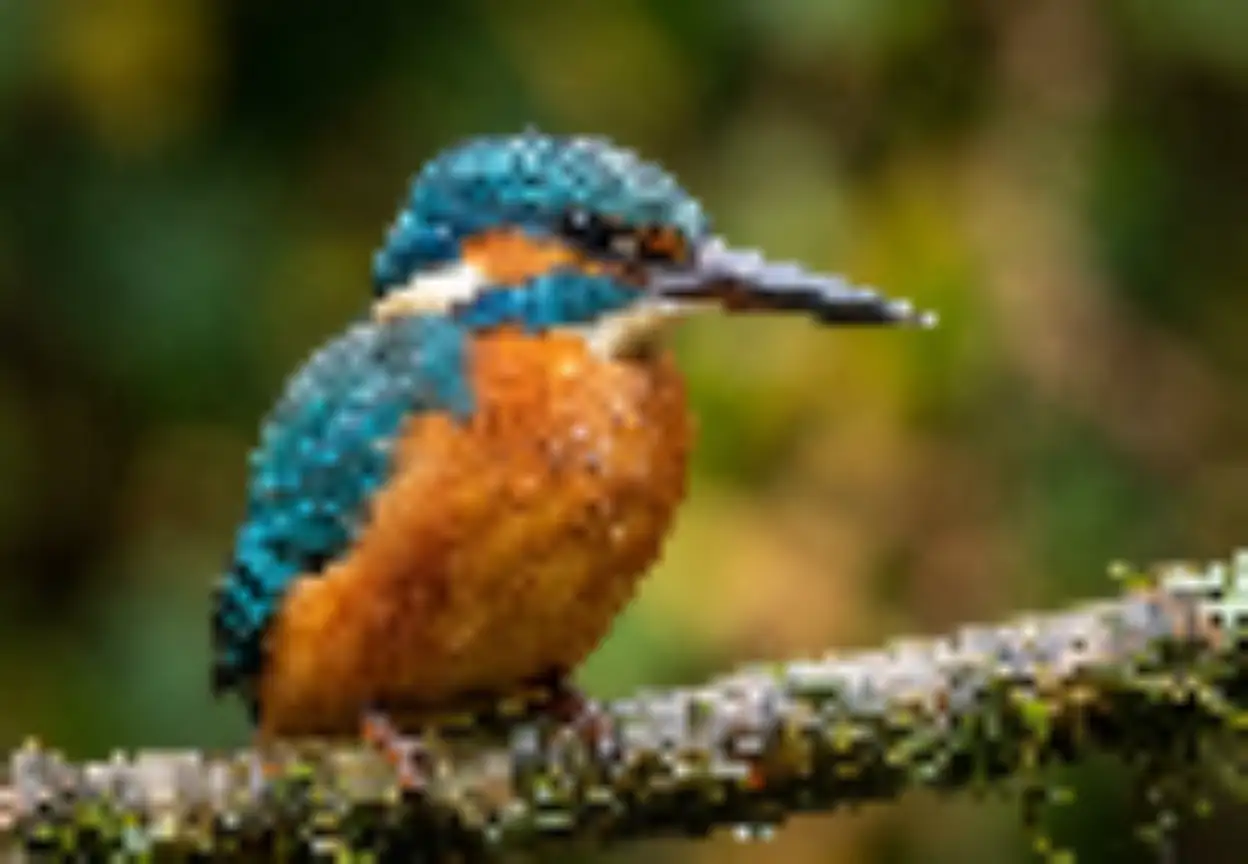

 Upscaled
Stretched
Drag & drop your image here
Supports high-resolution PNG, JPG, JPEG, and WEBP. Resize one or many at once.
Files processed with this tool
Key Features
Three steps to the right size — set exact dimensions, lock proportions, or enlarge up to 4×.
Set exact dimensions
Type pixels or pick a percentage. Add your image, choose the size you need, and download in seconds.
Enlarge up to 4×
Sharper edges than simple stretching. Enlarge small photos to 2× or 4× without blurry blocks.
Proportions stay locked
No squashed faces. Lock the aspect ratio so your image keeps its shape, or unlock it for a custom size.
Save as PNG, JPG or WebP
Choose the format that fits. Shrinking dimensions also cuts file size so pages and emails load faster.
Social & Video presets
One-tap sizes for Instagram post (1080 × 1080), Story or Reel (1080 × 1920), and YouTube thumbnail (1280 × 720).
Profile, Link & ID sizes
Ready-made dimensions for Link preview (1200 × 630), Passport photo (600 × 600), and Profile picture (400 × 400).
Resize down. Scale up. Same tool.
Whether the file is too big or the picture is too small, you get there in one screen.
Resizer
Set width and height in pixels, or scale by percentage. Lock the aspect ratio so the image keeps its shape, or unlock it for a custom crop size.
Upscaler
Enlarge to 2× or 4× and keep edges clean instead of blurry blocks.
Smaller files
Shrinking dimensions cuts file size, so pages and emails load faster.
Ready-made sizes
Pick Instagram, YouTube, passport or profile photo sizes and the dimensions fill in for you. No more searching for the right numbers.
Common sizes, one tap.
Popular ready-made dimensions for social media, video thumbnails, and ID photos.
Frequently asked questions
Everything you need to know about image resizing, 2× and 4× upscaling, aspect ratio locking, and supported file formats.
Upscaling rebuilds clean edges and reduces blocky pixelation when enlarging to 2× or 4×, so small photos look much sharper than simple stretching.
No. Proportions stay locked by default so when you change the width, the height updates automatically. You can unlock the aspect ratio anytime if you want custom dimensions.
You can upload and save images as JPG, PNG, and WebP. Transparent PNG and WebP files keep their transparency.
Scale the dimensions down (for example to 50% or 1080px wide) and export as WebP or JPG. Smaller pixel dimensions dramatically reduce file size.
Yes. It runs directly in your mobile browser so you can pick a photo from your camera roll, tap a preset size or scale, and save it right away.
Ratings & reviews
Feedback from creators who tested this tool.
No reviews yet
Tried resizing or upscaling an image? Be the first to share your results.