Remove Image Background
Cut the subject out of any photo and get a clean, transparent background in seconds. No editing skills needed.

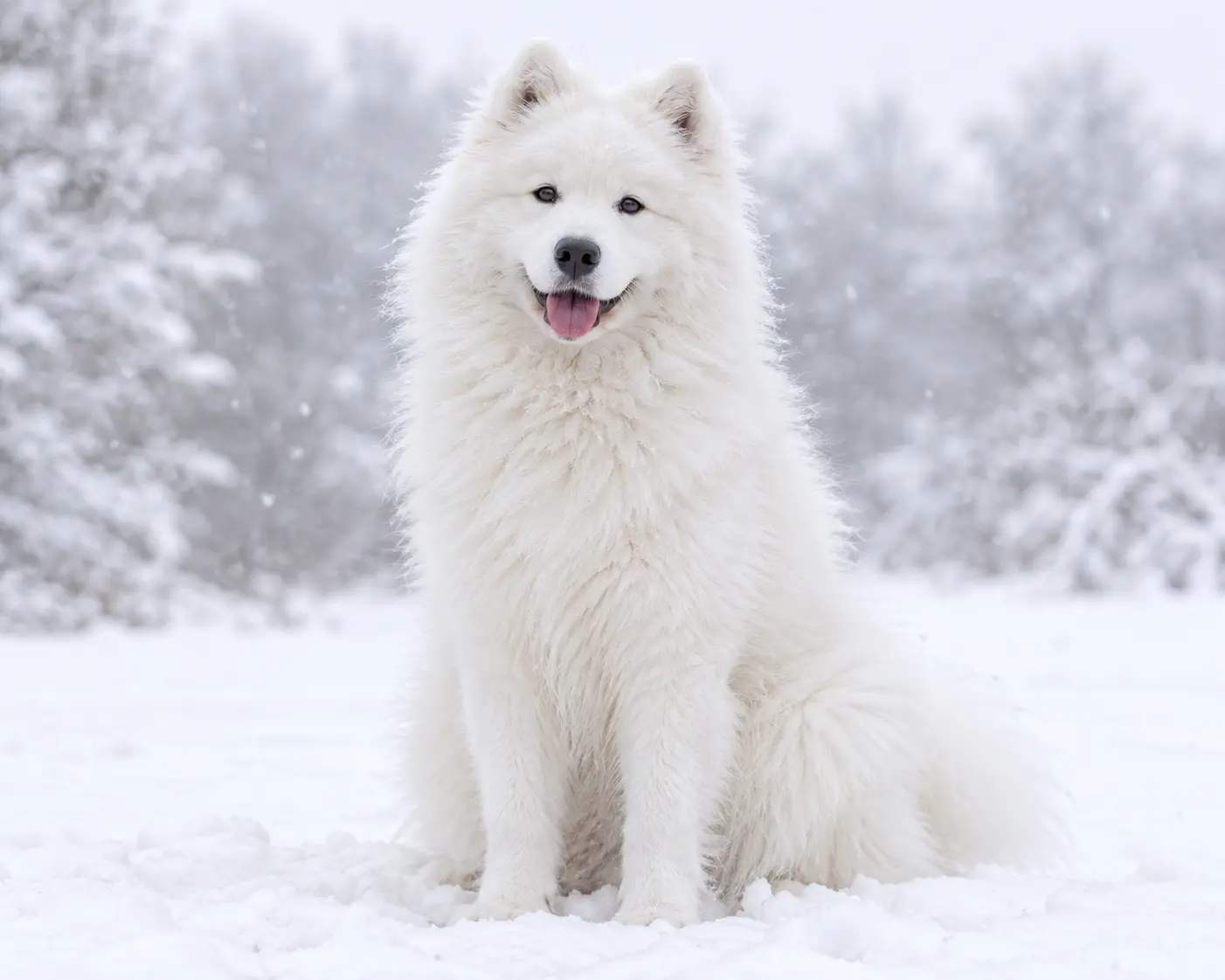
 Removed
Original
Drag & drop your image here
Supports high-resolution PNG, JPG, JPEG, and WEBP. Add one or many at once.
Files processed with this tool
Key Features
Whenever a photo needs a cleaner background, start here.
for E-commerce
Put your products on a plain white background so listings look consistent.
for Photographers
Isolate the subject fast, then place it on a new backdrop.
for Social media
Make profile pictures, posts and thumbnails that stand out in the feed.
for Marketing
Build banners, ads and presentations with subjects that sit cleanly on any color.
for Designers
Export cutouts to use as layers in posters, mockups and collages.
for ID and profile photos
Swap a messy background for a plain one in a few clicks.
Remove the background in seconds.
Add a photo and the tool finds the subject for you. You get a transparent background without tracing around hair, fur or edges by hand.
- No manual selection needed
- Works on people, products, animals and more
- Ready to place on a new background
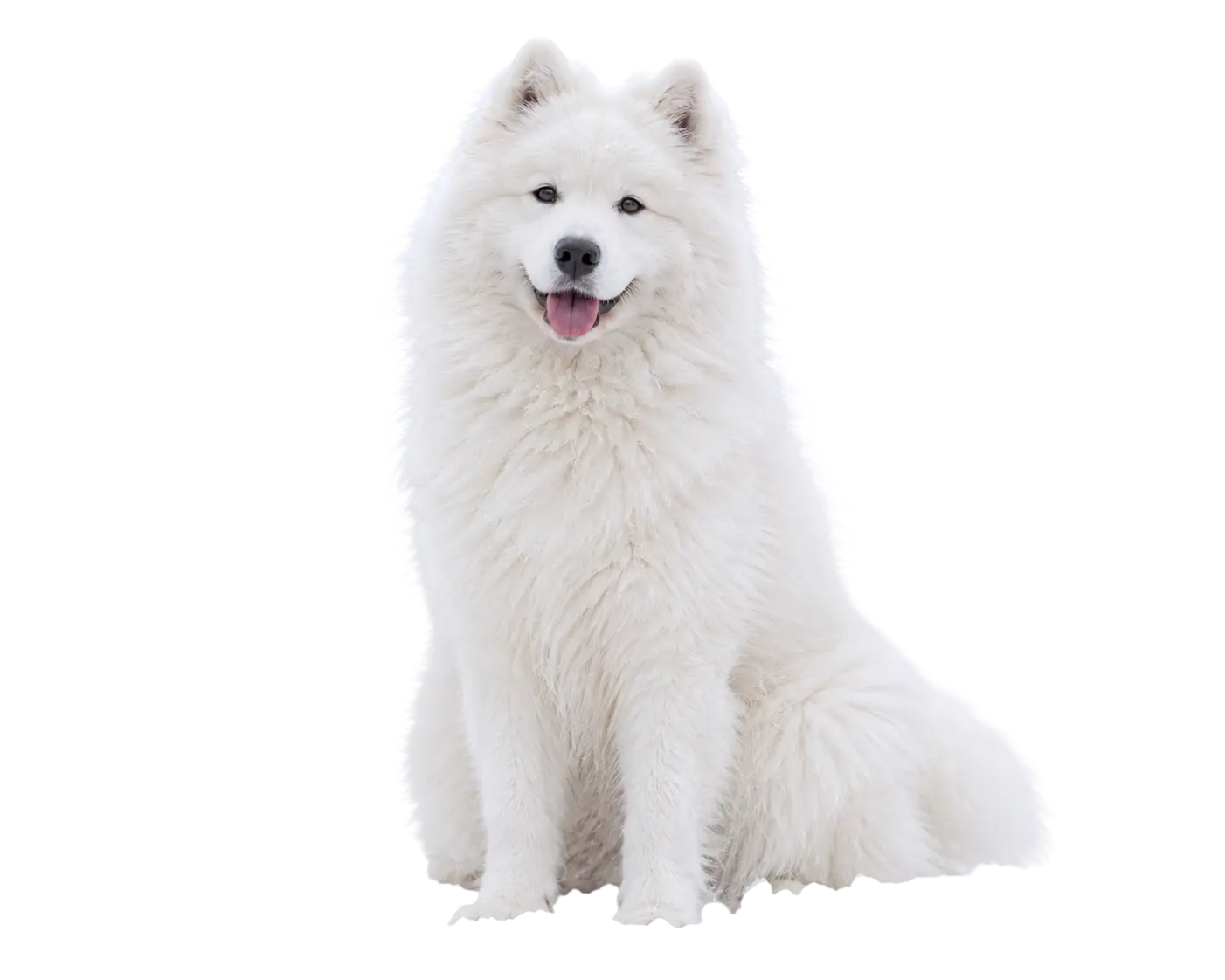 Removed
Original
Put your subject on any background.
Once the old background is gone, drop the subject on a solid color, a gradient or a scene that suits your project.
- Plain colors for clean product shots
- Bold colors for ads and thumbnails
- Keep the original lighting and detail
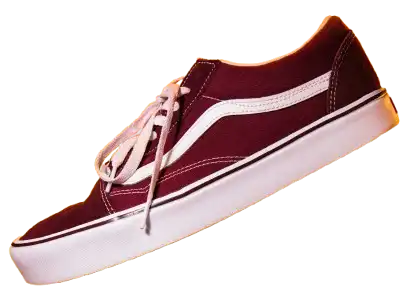
Make product photos ready for the store.
Online shops look better when every product sits on the same clean background. Remove the clutter and keep the focus on what you sell.
- White or soft gray backgrounds for listings
- Consistent look across a whole catalog
- Cutouts you can reuse in banners
Frequently asked questions
Everything you need to know about automatic background removal, supported formats, saving your result, and how your images are handled.
No. This tool works entirely in your browser, and your images are not uploaded to our servers.
Your photos stay on your device while the background is removed.
No. Just add your image and the background is removed automatically, with no manual work.
You don't need to trace outlines, use a magic wand, or paint over areas with an eraser. Results depend on your image, such as how clearly the subject stands out from the background.
Manual tools depend on you selecting areas by hand, while our tool uses an AI model to find the subject for you.
The AI model tells the main subject apart from the background and removes the background automatically, which saves the time spent on careful clicking and erasing. Fine details such as hair or thin edges can vary from image to image.
Yes. You can preview the image with its background removed, then save it to your device.
Check the preview first, so you can be sure you're happy with the result before you download it.
You can use JPG, PNG, and WebP images.
Very large images may take longer to process, depending on your device and browser.
Ratings & reviews
Feedback from creators who tested this tool.
No reviews yet
Tried removing a background? Be the first to share how your cutout turned out.