Run Your Homeopathic Chamber Without the Paperwork
Record each visit, find remedies in the repertory, print a clean prescription and track fees and follow-ups, all in one place.
- Patient records
- Repertory search
- Custom rubrics & remedies
- Printable prescription
- Digital signature
- Fees & follow-ups
- Google Drive sync
- Backup & restore
Your next patient starts here
Search symptoms, find the right remedy and manage every case in one place.
Open HomeoRx ProTotal chamber operations completed with this tool
Key Features
Everything a one-doctor chamber needs, from the first visit to the last due payment.
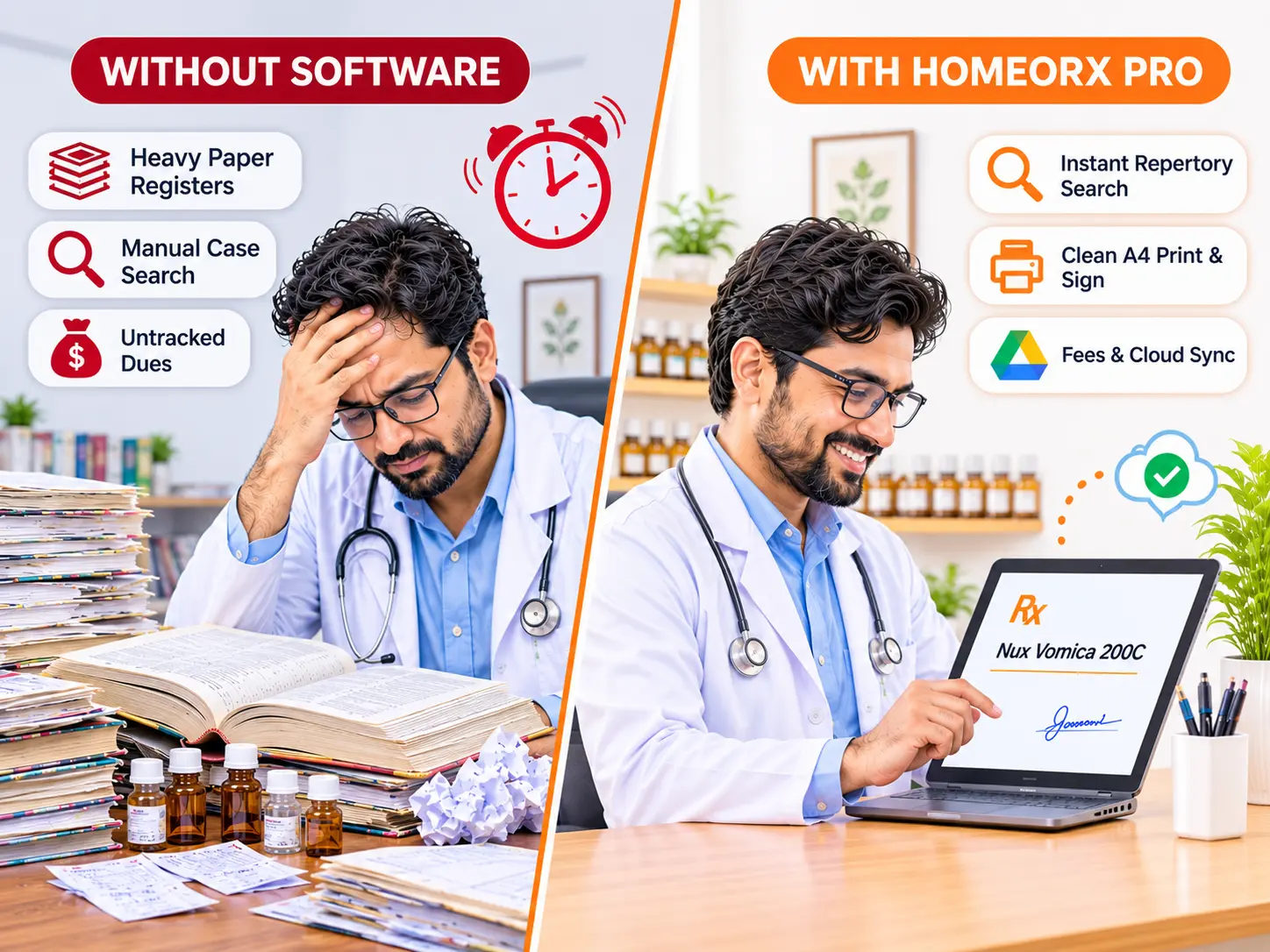
Repertory search
Pick rubrics by category, search symptoms or remedy names, and see suggested remedies. Add your own rubrics when the book falls short.
Printable prescriptions
Remedy, potency, dose, timing and advice, laid out on an A4 pad with your name, chamber and signature.
Follow-up history
Every visit is kept under the patient. Open a follow-up, reload an earlier prescription and set the next visit date.
Fees and dues
Record the fee, the amount paid and the method. Today's and this month's income and total dues show on the dashboard.
Your own signature
Upload a photo of your signature and the background is removed for you, or draw it with a mouse, finger or stylus.
Backup and restore
Download patients, visits, rubrics and your doctor details as one file, and restore it on any computer.
From Patient to Prescription
A consultation takes a few steps, and nothing needs to be written twice.
Save time on every visit, and keep your records in order.
Existing patients load with their last prescription, so a follow-up starts from where you stopped.
- Works in your browser, nothing to install
- Every visit auto-saves and syncs to your own Google Drive
- Back up and restore manually whenever you want
- Search patients by name, phone, ID, complaint or diagnosis
Frequently Asked Questions
Answers about where your data lives and what the app can do.
In your browser on the computer you use, and it is saved and synced automatically to your own Google Drive. You can also back up and restore your data manually at any time.
The app needs an internet connection to open. If your connection drops while it is already open, your visits keep saving in the browser, and the app shows that it is saving locally. When you are back online, they sync to your Google Drive automatically.
Yes. Add a symptom with a primary remedy and an optional second remedy, and it appears in the repertory search straight away.
Open Settings and either upload a photo of your signature or draw it on the canvas. It is placed above the physician's signature line on every prescription.
Yes. Sign in with the same email (Google account) on the other computer and your records load from your Google Drive. You can also download a backup from Settings and restore it there. It includes patients, visits, custom rubrics, doctor details and your signature.
Ratings & reviews
Feedback from practitioners and creators who tested this tool.
No reviews yet
Tried HomeoRx Pro? Be the first to share your experience.